Alarm
guides.
Practical iPhone guides for rotating shifts, future dates, custom sounds, and other time zones. Find your setup, then follow the steps.
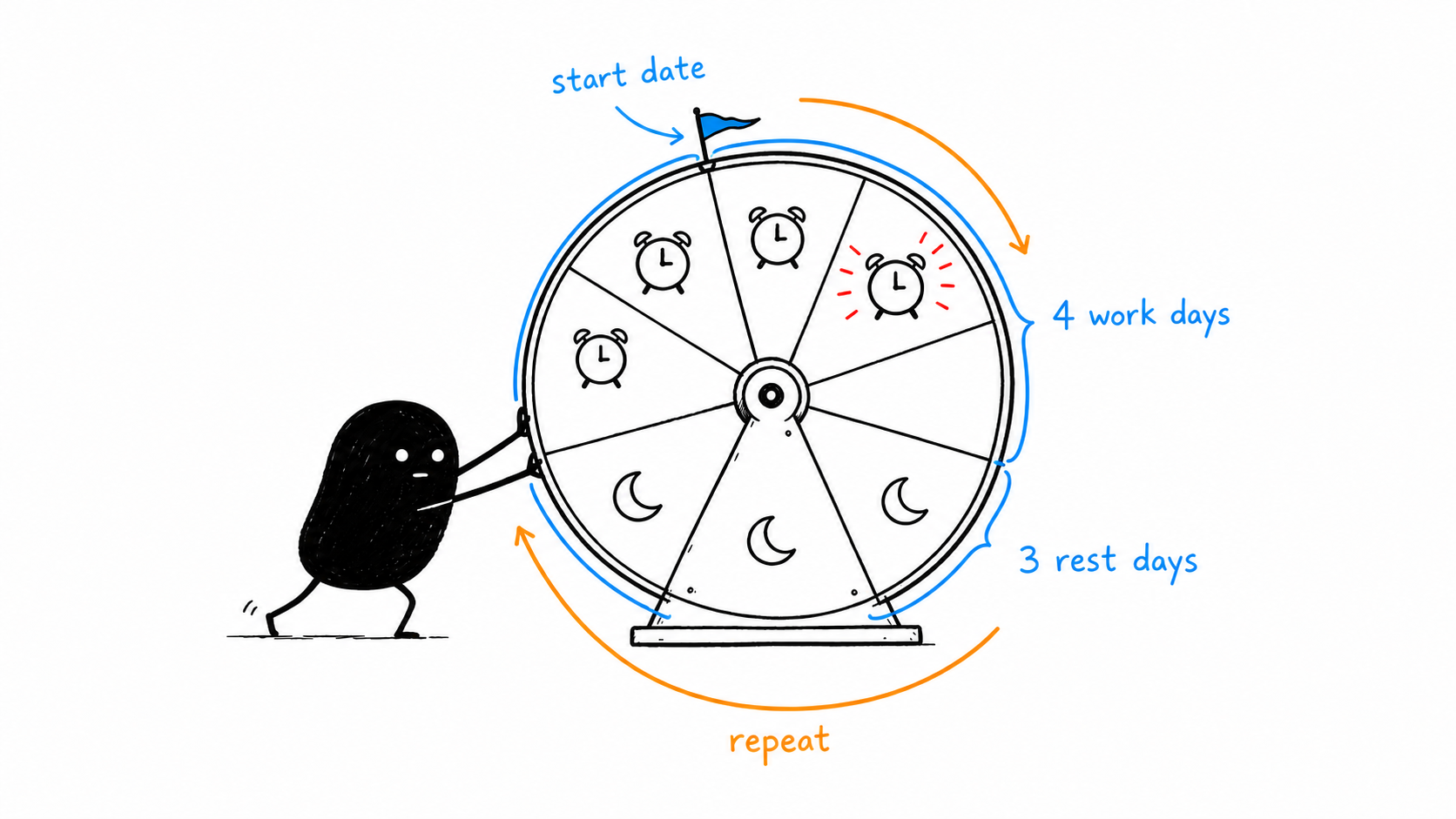
Work days on.
Rest days off.
Build a work/rest cycle, check its next dates, and handle a changed shift with our step-by-step guide.
Read the rotating shift guide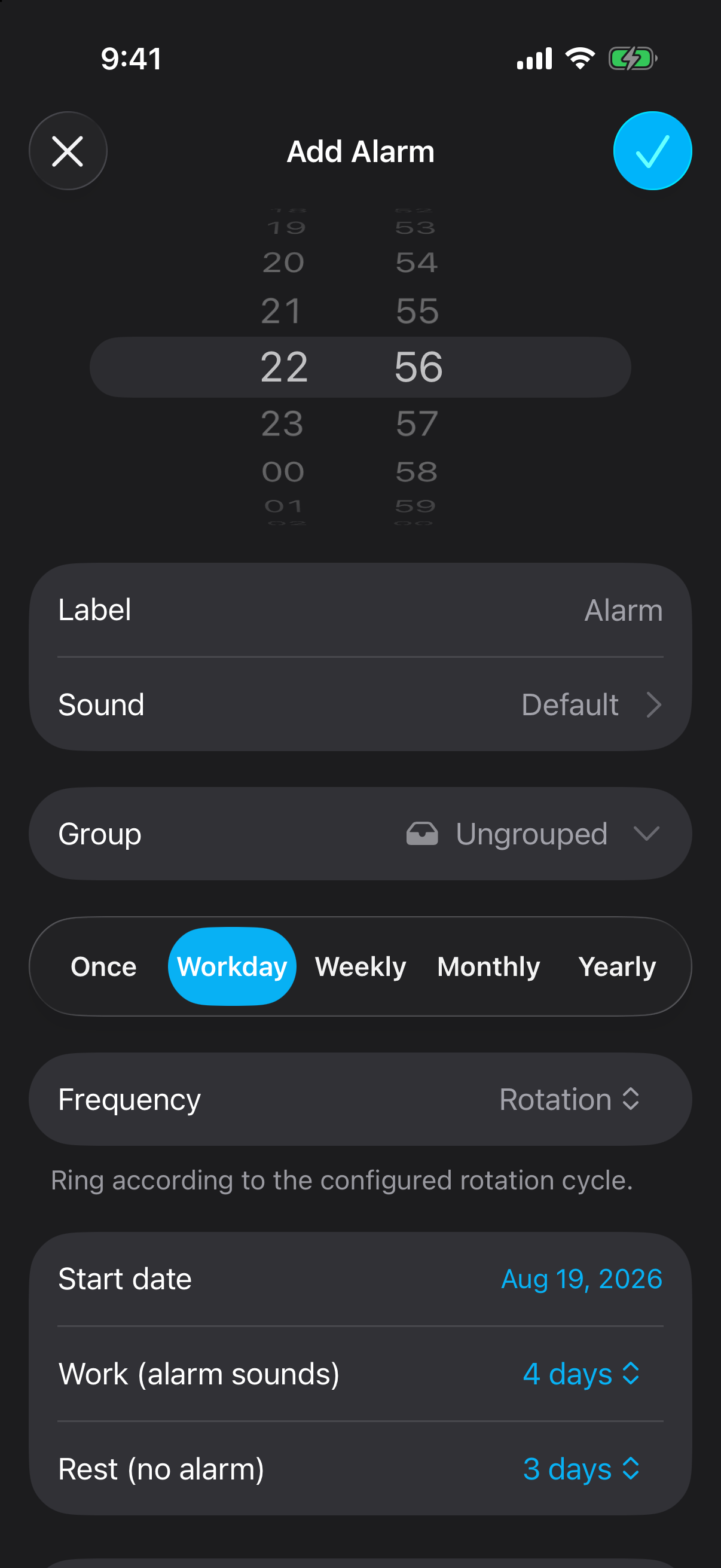
Find your setup.
10 guides
Here is a Clock-first troubleshooting checklist, followed by notes for third-party alarm apps. It does not claim any single app is immune.
Follow a work/rest cycle, check its dates, and handle changed or mixed day and night shifts.
Compare Clock, work/rest rotations, and dated alarms against your own roster.
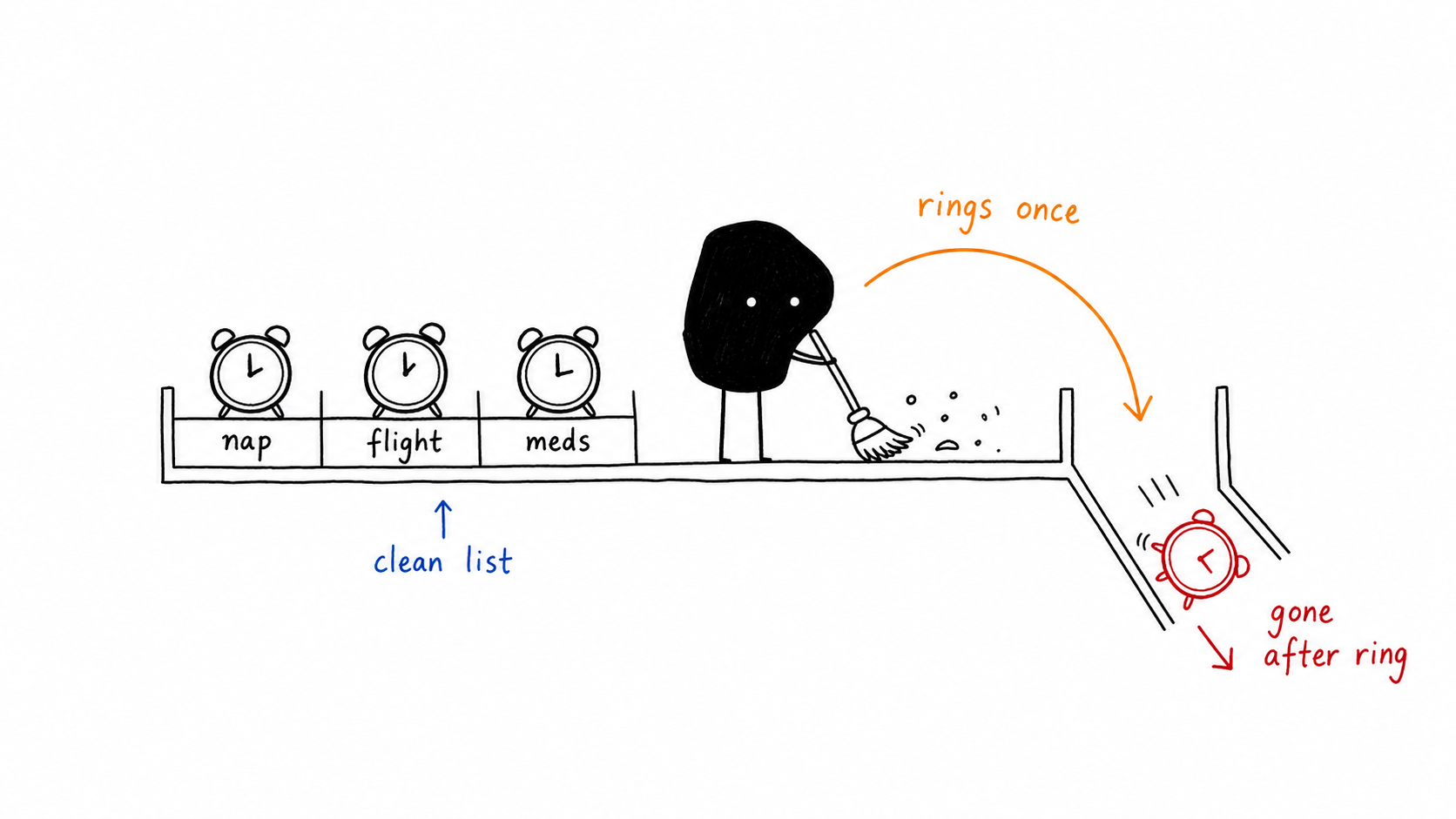
Understand switching off versus deleting, then let temporary Alarm One alarms remove themselves.
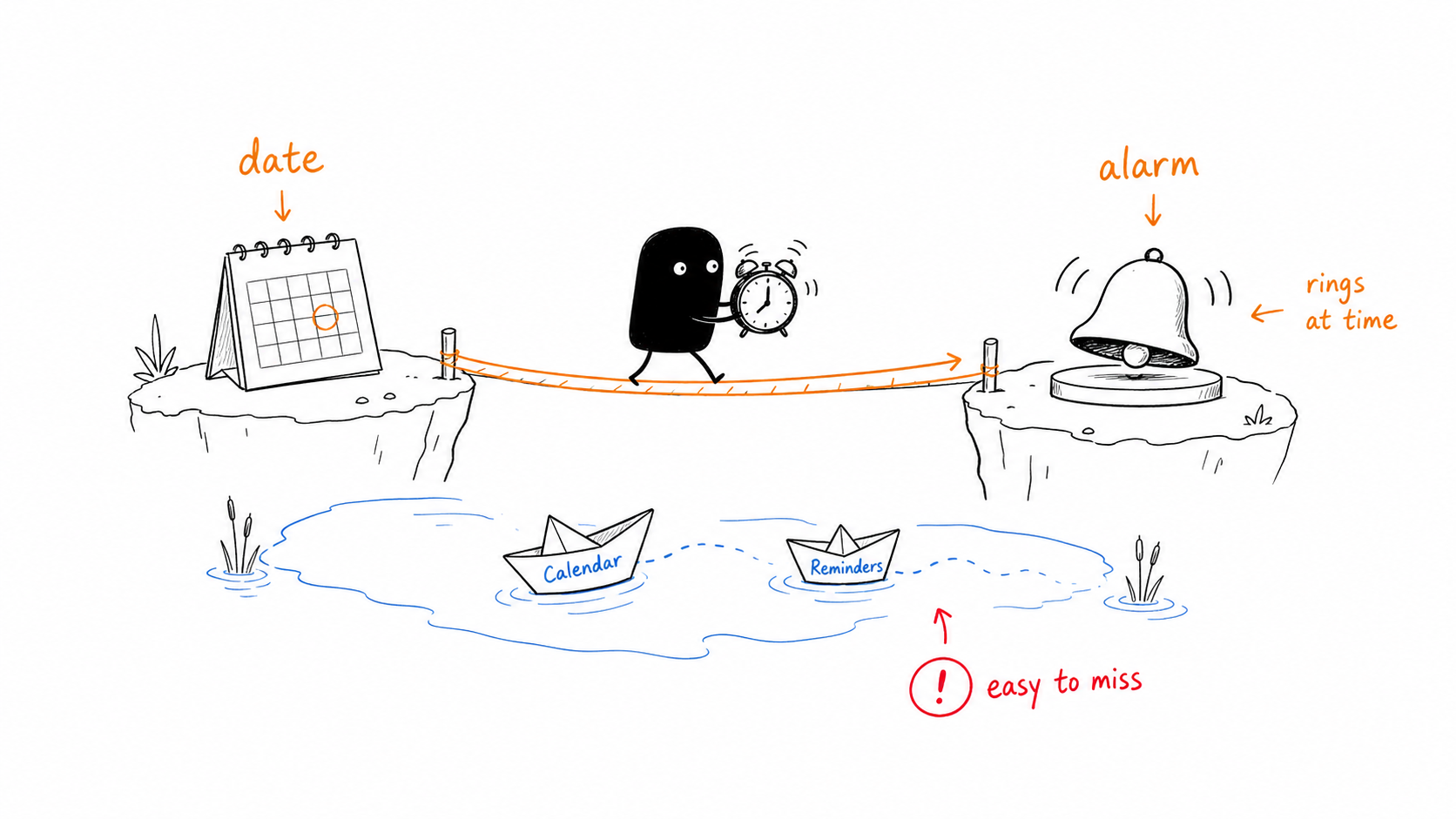
Schedule a future wake-up, exam, or ticket release, with Calendar and Reminders alternatives.
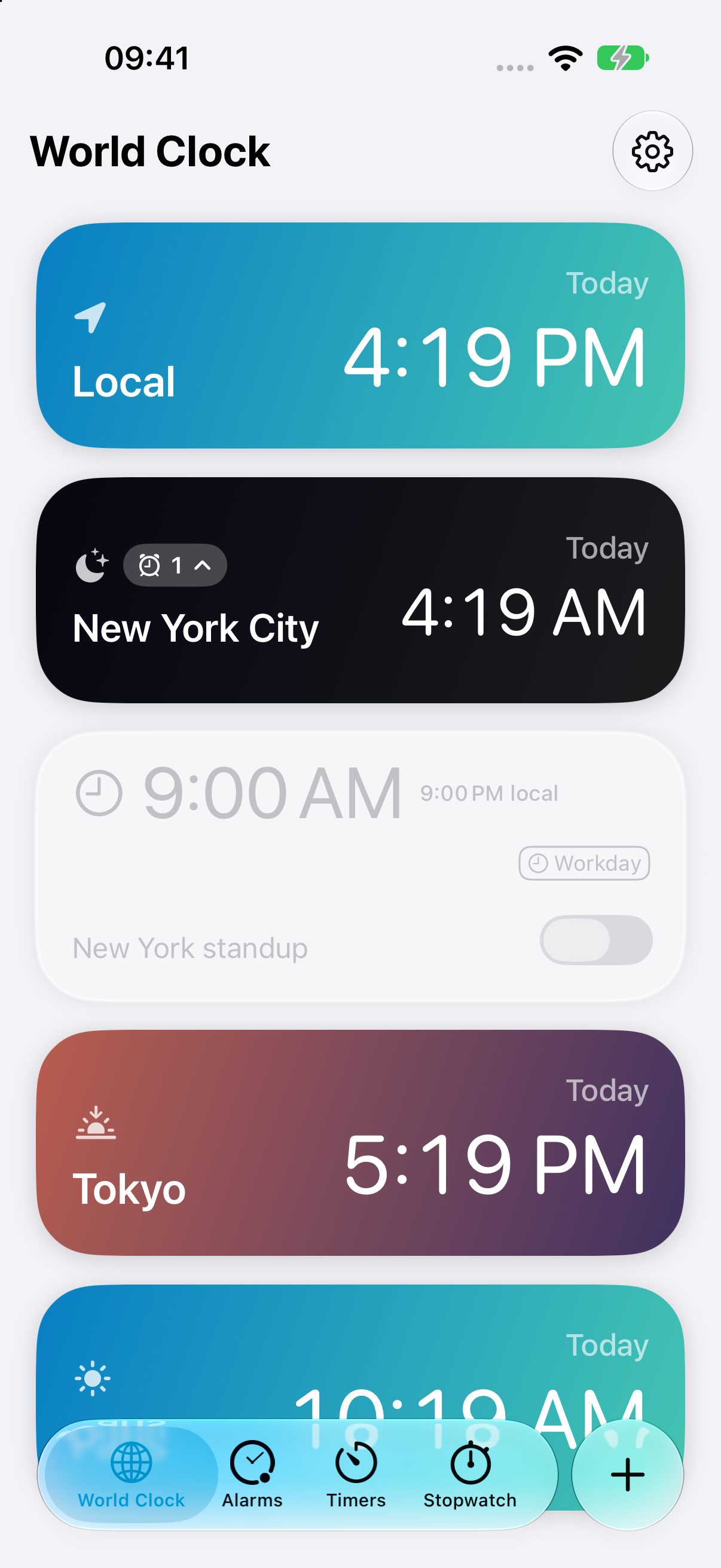
Add a city, set Once or Weekly, and check the local-time preview before saving.
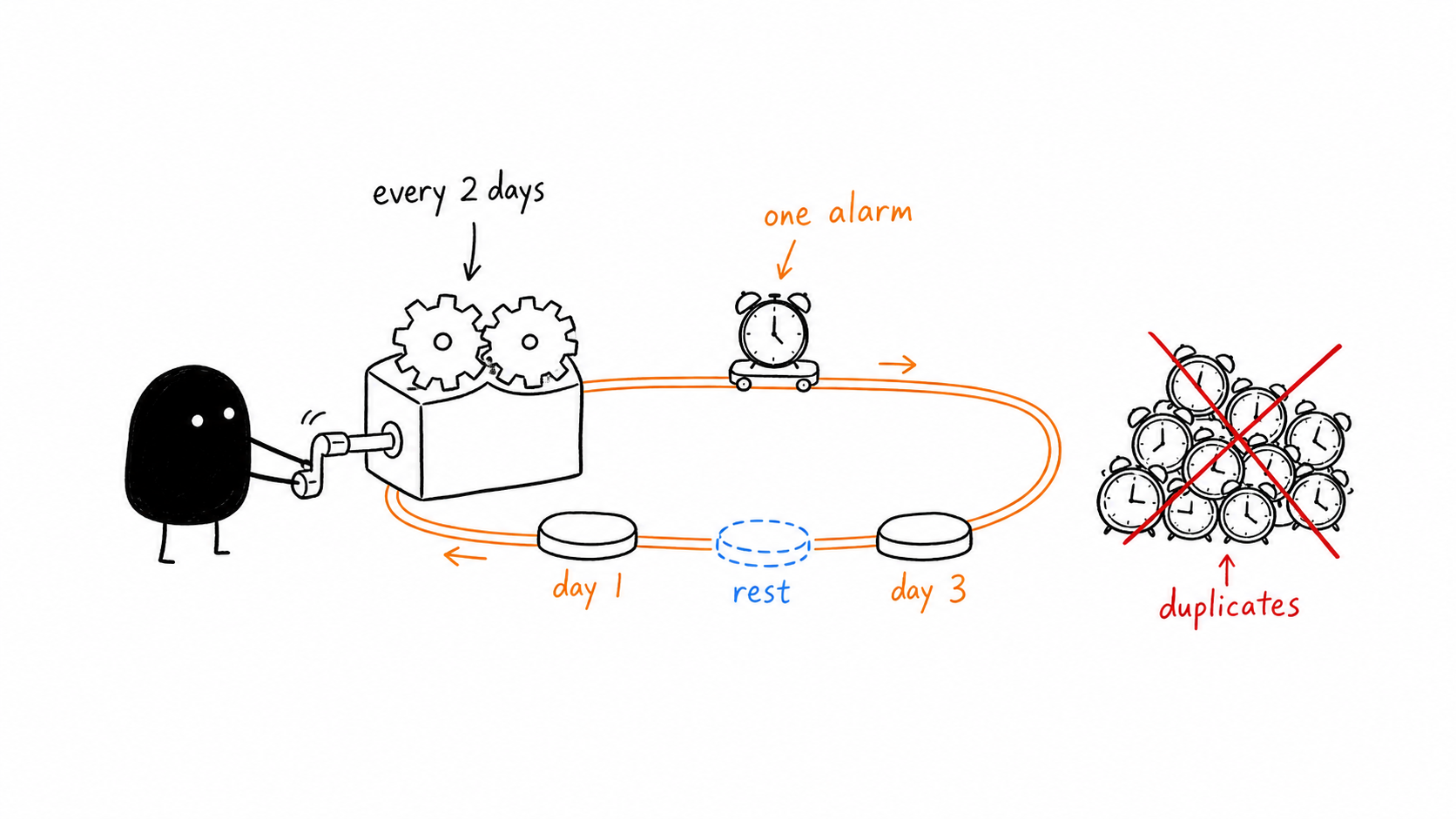
Use a one-on/one-off cycle and see why a weekday checklist does not mean every two days.
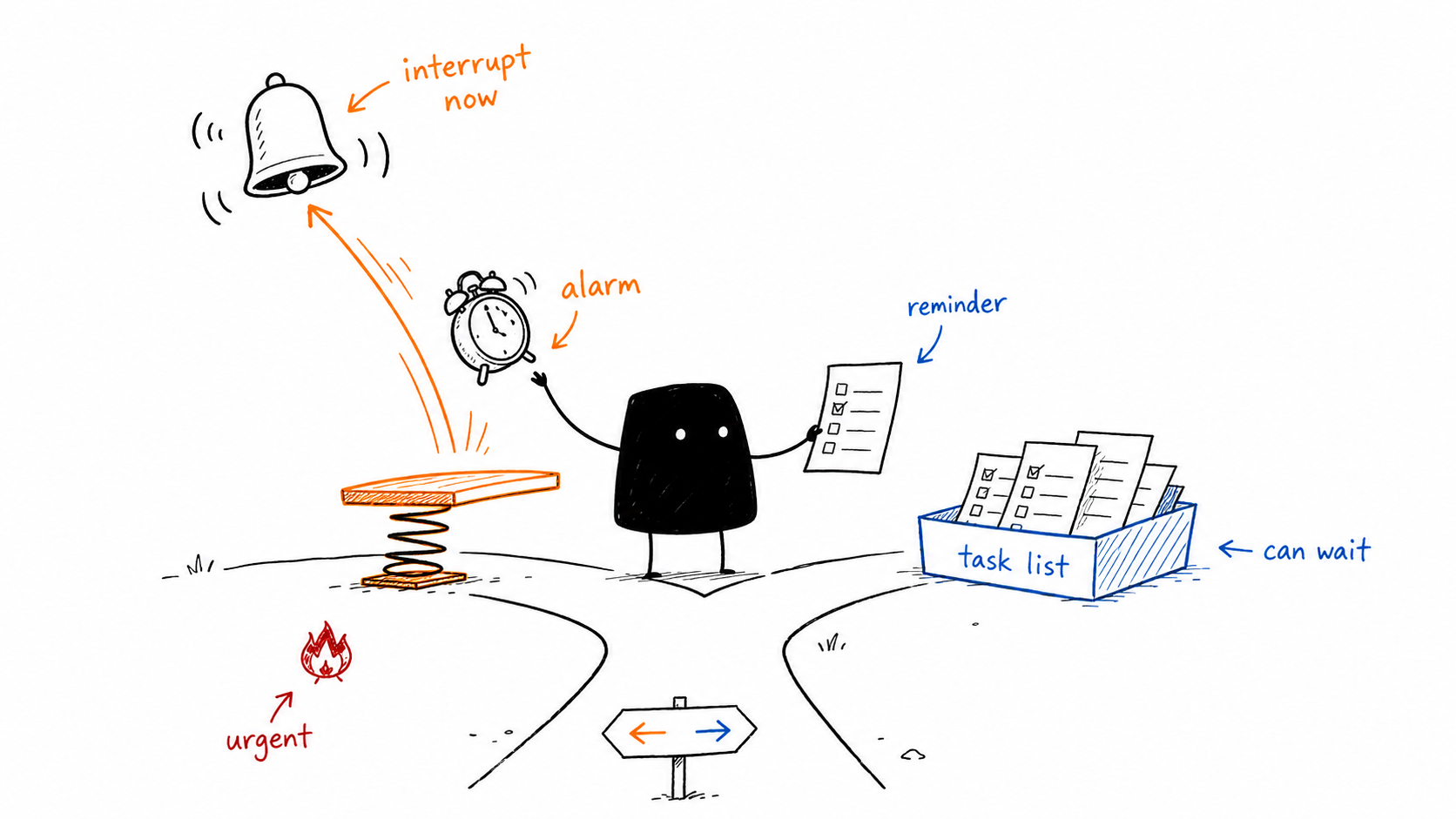
Choose ringing alarms, task notifications, or Calendar events for the moments in your day.
Use a music-library song or import your own file, with iOS and Pro requirements explained.
Reset a cluttered Clock list with Siri or Shortcuts, or remove a selected batch.
No guides match this search. Try a different word or choose “All topics”.
Put it on
your schedule.
Try the dates, cycles, and city alarms you have been reading about.