Why does your iPhone keep old alarms?
An early flight, a 20-minute nap, and a meeting all deserve an alert, but none needs a permanent place beside your daily wake-up. If you keep adding times instead of reusing them, disabled entries accumulate. Eventually several alarms with similar times make it hard to identify the one you need.
A non-repeating alarm and an alarm that deletes itself solve different tasks. The first controls how often it rings; the second controls whether the entry remains afterward. Choose both when you want a disposable alarm clock.
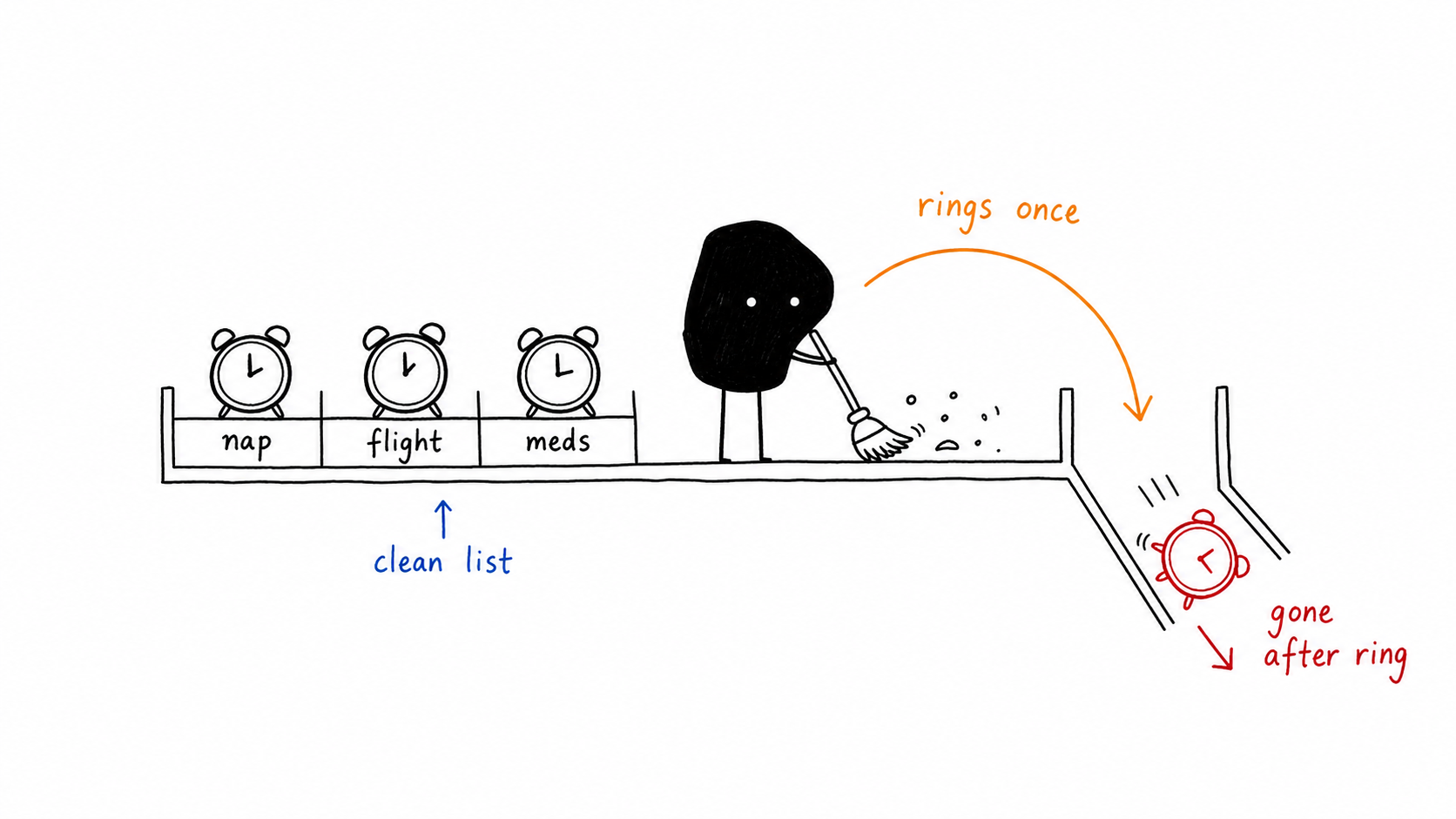
How can you clean up existing Clock alarms?
To remove an individual Clock entry, swipe left and delete it. For a complete reset, try Siri’s “Delete all my alarms” request and review the confirmation. If you want to select a batch with Shortcuts, follow the guide to deleting all or selected iPhone alarms.
That cleanup affects entries already in Clock. Alarm One manages its own alarms; it does not clear your Clock list. Move future temporary alerts to Alarm One if you want each new one to remove itself.
Source: Apple: edit and delete Clock alarms.
Can Shortcuts delete an alarm after you stop it?
Shortcuts provides an Alarm automation trigger, including “Is Stopped.” On iOS versions that expose Clock’s alarm deletion actions, you can combine that trigger with a narrowly selected alarm. The trigger alone does not delete anything, and deleting the entire list after every alarm would remove recurring wake-ups too.
For a reusable experiment, give the temporary test alarm a unique label, select that alarm in the trigger, then select that same entry for deletion. Test with an expendable alarm. Recreating an alarm can require selecting it again in the automation.
Source: Apple: Alarm automation triggers.
How do you create a self-deleting alarm in Alarm One?
Create an alarm that rings once
Set the time for the nap, departure, or appointment. Use Specified Date when the alert belongs to a future day.
Enable automatic cleanup
Turn on “Delete this alarm after it rings.” This is a separate option; an alarm that rings once does not automatically imply deletion.
Choose and test your sound
Select a built-in tone or a supported custom sound, save, and check the next scheduled occurrence.
For a personal recording or MP3, read how to set a custom alarm sound without GarageBand. Custom ringtone import in Alarm One requires iOS 26.1 or later and Pro.
What changes when an alarm deletes itself?
| Behavior | Clock alarm with no repeat | Alarm One with auto-delete enabled |
|---|---|---|
| Schedule | Next occurrence of a time | A time, optionally tied to a specific date |
| After use | Entry remains available to reuse | Entry is removed after ringing |
| Useful for | Wake-ups you may reuse | Naps, trips, and temporary alerts |
Keep recurring work alarms reusable. Enable auto-delete for alerts with a clear end point, such as a pickup on one date. See how to schedule that date on iPhone.
What else should you know?
Does turning off an iPhone alarm delete it?
No. Turning it off disables the alarm while keeping the entry. Deletion removes the entry from the list.
Can Alarm One automatically delete my Clock alarms?
No. Alarm One’s delete-after-ringing option applies to alarms you create in Alarm One. Clear existing Clock entries separately.
Do I need to enable auto-delete?
Yes. Enable “Delete this alarm after it rings” on the temporary Alarm One alarm you want removed after use.