Which tool should you use for a future-date alert?
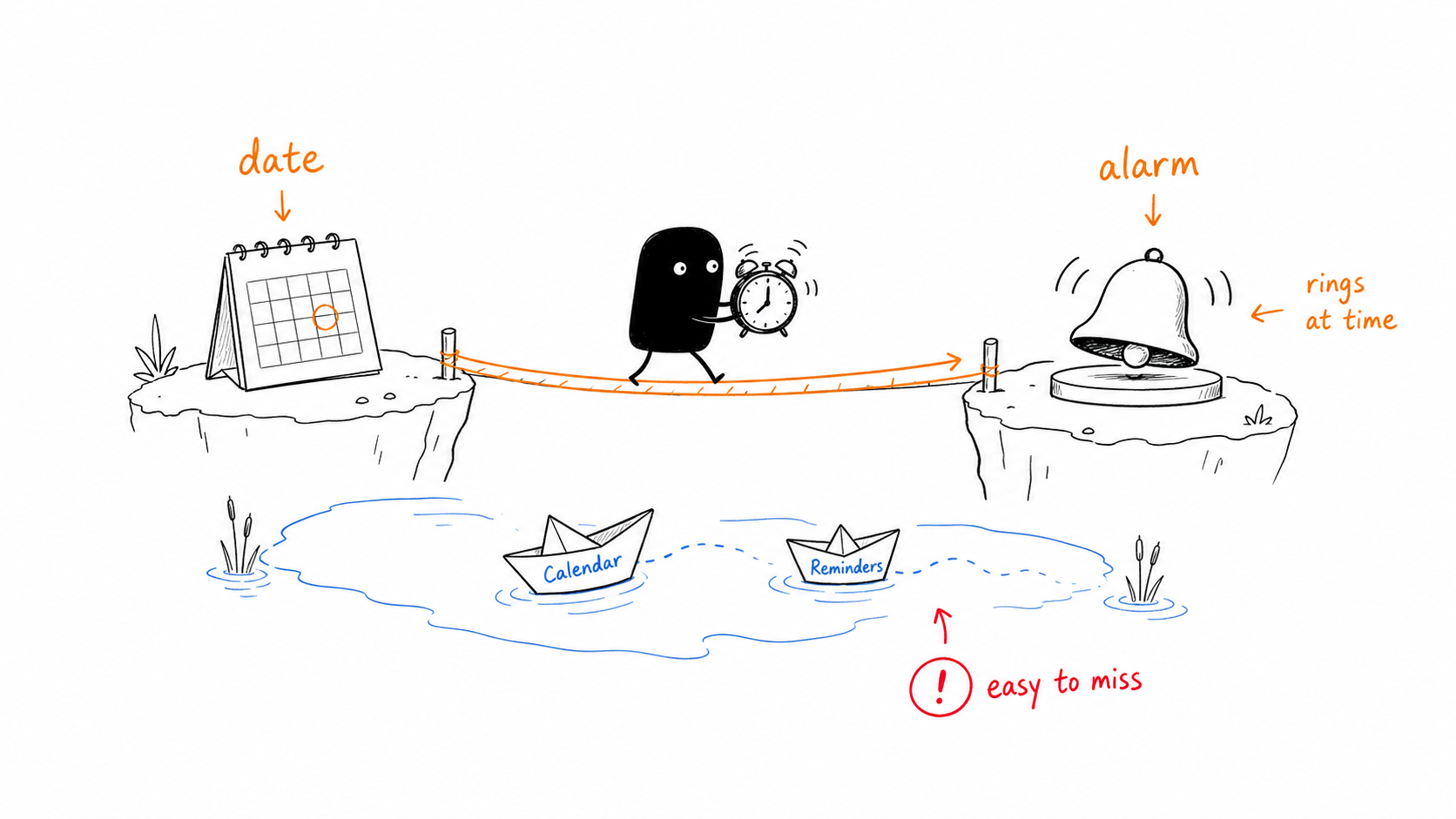
Use Calendar for an appointment with guests, a location, or meeting notes. Use Reminders for a dated task you want to mark complete. Choose a calendar alarm app for iPhone when the main job is to sound an alarm at the exact date and time.
For example, “8:00 AM on October 15, 2026” includes a date. A Thursday repeat describes every Thursday, which could ring before the event and continue afterward.
Why can’t a weekday repeat represent one future date?
A weekly rule answers which weekdays should ring. It does not identify one particular Thursday in October. Manually enabling an alarm the night before can work for a near-term event, but then you still need to remember to enable it.
For an exam, hospital appointment, or ticket release several weeks away, record the event date when you learn it. With a dated alarm, the schedule remains visible until the event.
How do you set the date in Calendar or Reminders?
Create a Calendar event
Add an event title, set its start date and time, and save it.
Add a Calendar alert
Edit the event, open Alert, and choose “At time of event” or an earlier offset.
Or create a dated reminder
In Reminders, add a task and use its details to set both a date and a time. Confirm that notifications are allowed.
Calendar and Reminders use notifications. Their delivery and sound depend on notification settings and Focus. A postponed task notification also differs from an alarm’s snooze workflow. For more on choosing a tool, read iPhone alarm vs reminder.
Source: Apple: create events and add alerts.
How do you set a specified-date alarm in Alarm One?
Create an alarm that rings once
Open Alarm One, add an alarm, and choose the single-occurrence schedule.
Enable Specified Date
Pick the future date, then set the wake-up or alert time. Check the month, year, and AM/PM.
Choose the sound and snooze
Use an alert you recognize. If this alarm is temporary, optionally enable “Delete this alarm after it rings.”
Save and verify the scheduled date
Review the next occurrence in the alarm list or calendar view. Use a short test alarm to check your sound and permissions.
If your work dates change each month, use the shift work alarm guide to decide between a repeating work/rest cycle and individual dated alarms.
How should you schedule exams, releases, and appointments?
- Exam morning: set the wake-up for the exam date, with time for travel.
- Ticket release: use the release date and its published time zone; see setting an alarm for another time zone.
- Hospital appointment: set the departure alarm earlier than the appointment itself.
- Monthly task: use a monthly repeat if it happens regularly; one specified date is suitable for a single occurrence.
If you want an alarm clock with a calendar view, use the view to review the dates you have scheduled. Viewing dates does not itself import external calendar events.
What else should you know?
Can you set an alarm for a specific date in the iPhone Clock app?
The regular Clock alarm editor supports a time and weekday repeats, without a day/month/year picker. Use a dated alarm app for a future-date alarm, or Calendar and Reminders for a notification.
Will Calendar give me the same alert as a wake-up alarm?
Calendar sends event notifications. A wake-up alarm has a dedicated ringing and snooze workflow; choose the one that fits how you need to be alerted.
Can a specified-date alarm delete itself afterward?
Yes. In Alarm One, enable “Delete this alarm after it rings” when setting up the temporary alarm.