Quick answer
The built-in iPhone Clock app can show the current time in another city with World Clock, and it can create local alarms. But the two features are separate — there is no way to say "wake me at 9:00 AM New York time" directly. You have to check the time difference, calculate the equivalent local time, then create the alarm manually.
Alarm One makes this a single flow:
Pick a city
Search for the city whose local time matters (e.g. New York, London, Tokyo).
Set the time in that city's clock
Choose 9:00 AM and it means 9:00 AM there, not where you are.
Done
Alarm One calculates your local equivalent automatically and updates it if daylight saving time changes.
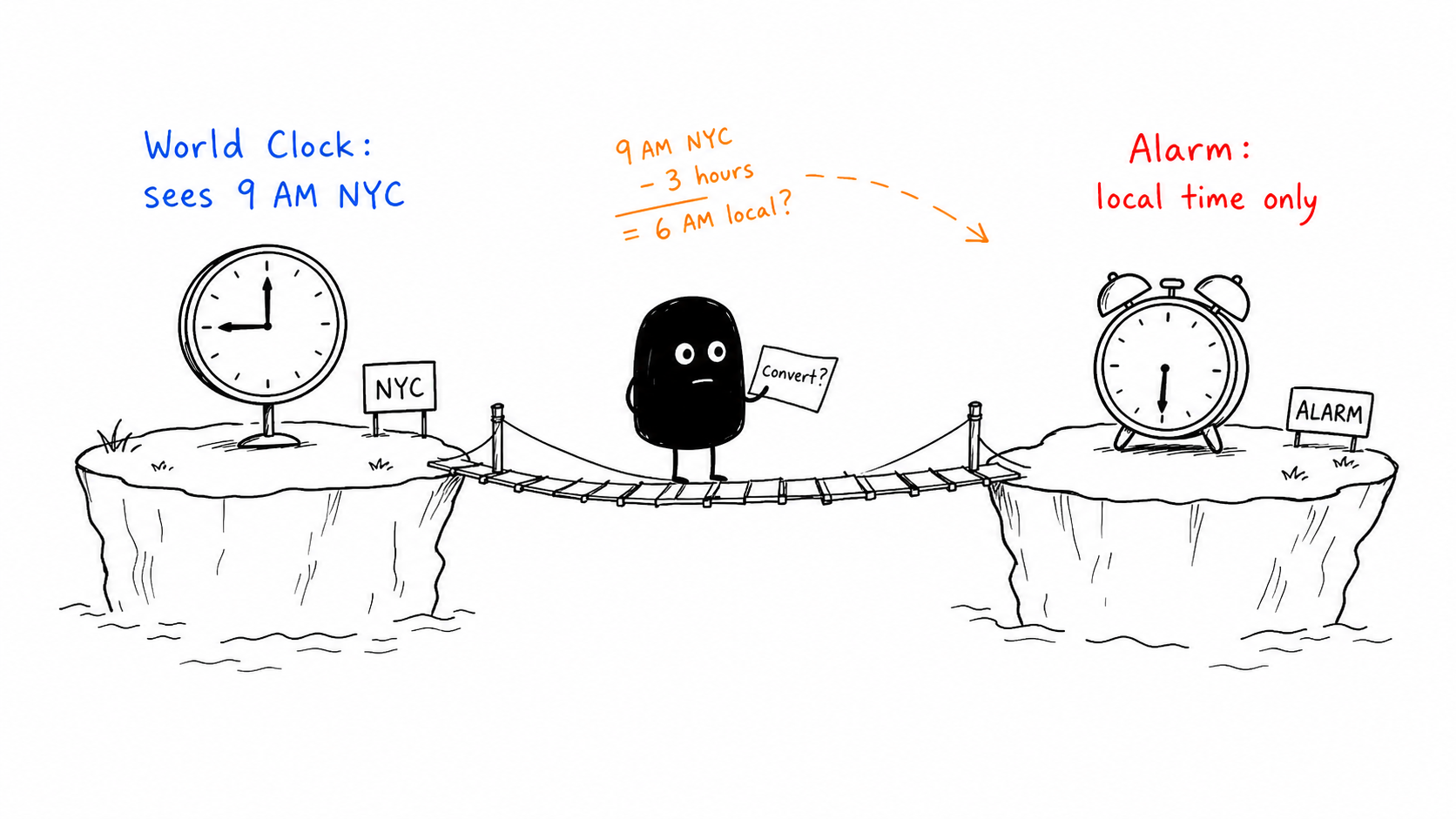
What the iPhone Clock app can do (and can't)
The built-in workflow looks like this:
Add the other city to World Clock
Open Clock → World Clock → tap + → search the city.
Check the time difference
Note the offset (e.g. "New York is -12 hours from your location").
Create a regular alarm with the converted time
Go to Alarms and manually set the equivalent time in your local clock.
This works for a one-off, but has real limitations:
Pain points
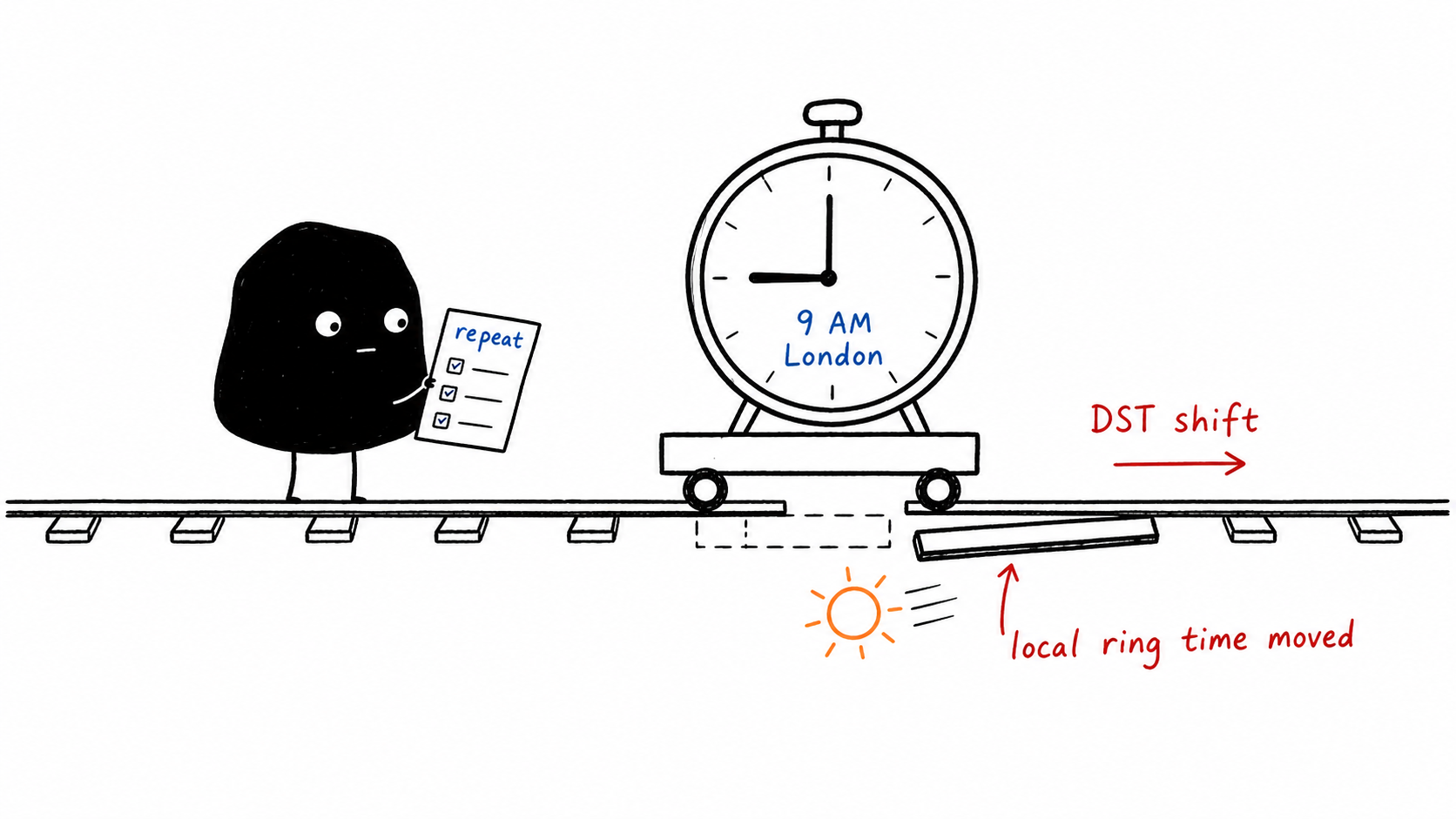
- DST breaks it silently. When daylight saving time shifts, your alarm is now off by an hour — and there is no warning.
- No label. The alarm shows "7:00 AM" with no indication that this was supposed to be "9:00 AM New York."
- Repeating alarms drift. If you set a recurring alarm and the offset changes (DST, travel), every future occurrence is wrong.
- Mental math every time. For multiple cities, you are doing subtraction in your head daily.
What about Shortcuts?
iOS Shortcuts can technically create time-zone-aware reminders using date conversion actions. Some power users build automations this way. But in practice:
- The setup is complex — multiple actions, date formatting, and "if" blocks.
- There is no UI to see all your time zone alarms at a glance.
- Shortcuts reminders are notifications, not system alarms — they do not override Do Not Disturb or silent mode.
- Editing or disabling one alarm means editing the Shortcut itself.
For people who want a reliable alarm (not just a notification), Shortcuts is a workaround, not a solution.
How Alarm One handles time zone alarms
Alarm One treats time zone alarms as first-class alarms — not clock conversions, not notifications, not workarounds. Here is what that means:
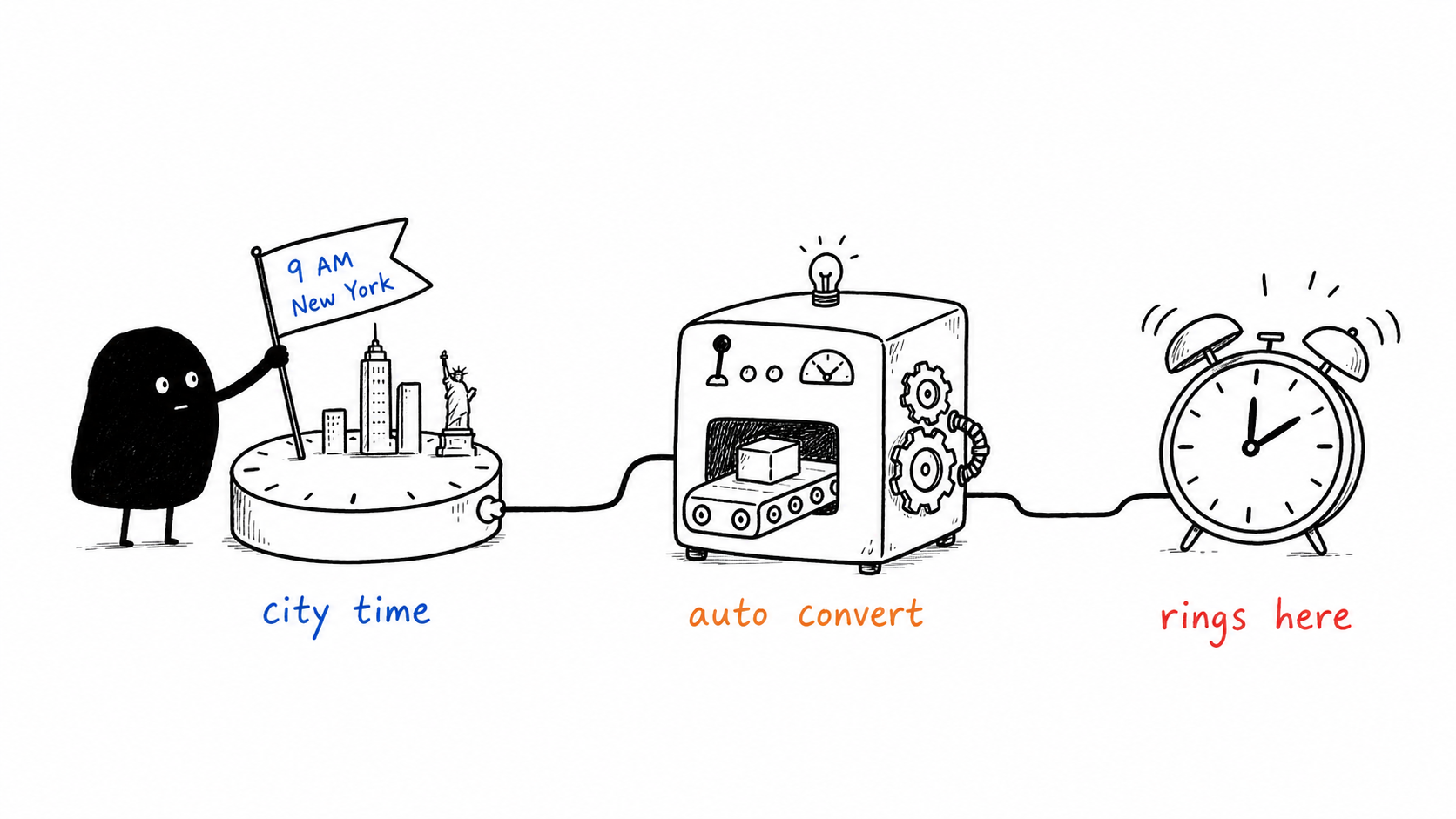
- You think in their time. Set "9:00 AM New York" and the alarm list shows "9:00 AM New York." No mental math.
- DST is handled automatically. When New York springs forward or falls back, the alarm adjusts. You do not need to remember.
- Repeating works correctly. A daily "9:00 AM London" alarm stays at 9:00 AM London even when the offset to your location changes.
- It is a real system alarm. Uses the iOS alarm infrastructure — it will ring even in Do Not Disturb and silent mode, just like the built-in Clock app.
Example 1: Remote meeting
You are in Berlin and have a daily standup at 9:00 AM New York time. Instead of calculating that it is 3:00 PM Berlin (or 2:00 PM in winter), set a repeating alarm for "9:00 AM New York." It stays correct year-round.
Example 2: Cross-dateline family call
Your parents are in Tokyo. You want to call at 10:00 PM Tokyo time (a good hour for them after dinner). That might be morning for you in Los Angeles — or the previous calendar day. Set "10:00 PM Tokyo" and stop thinking about which day it falls on.
When a time zone alarm is better than a world clock
Remote work
Daily standups, client calls, market openings — anything anchored to another city's local day. A world clock shows the time; a time zone alarm makes sure you act on it.
Family abroad
Call at a considerate local hour without checking a converter. Especially helpful when DST makes the offset shift twice a year.
Travel days
Set wake-ups and reminders anchored to the destination city before you land. Your alarm adjusts as your phone picks up the new time zone — you do not have to redo anything.
International classes or exams
Online courses often list times in the instructor's time zone. Set the alarm directly in that zone so you never miscalculate a lecture or deadline.