What is a one-time alarm?
A one-time alarm rings once, then removes itself from your active alarm list. It is different from a daily alarm, a recurring alarm, or a reminder notification. The point is simple: it should wake or alert you once, then get out of the way.
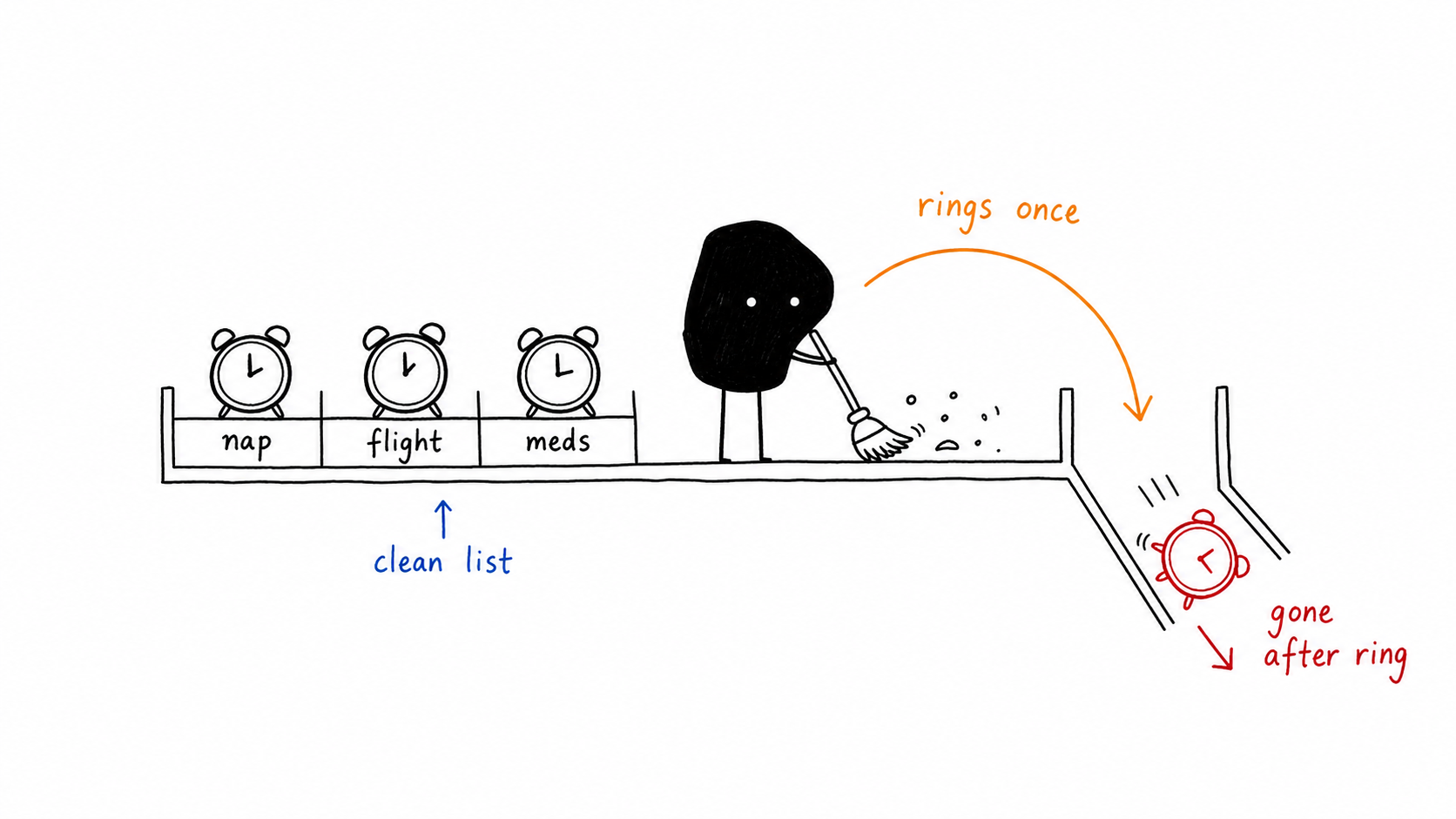
Best uses for one-time alarms
Naps
Set a 25-minute or 90-minute alarm without creating another permanent item.
Flights and travel
Create early alarms for one travel day, then let them disappear after the trip starts.
Medication, cooking, meetings
Use an alarm when the alert really needs to interrupt you, not just sit in Notification Center.
Why cleanup matters
Old alarms make future alarms harder to trust. When your list is full of past flights, old school pickups, stale nap timers, and random backup alarms, it becomes harder to see what will actually ring next.
The clean-list rule
If an alarm exists for one moment only, it should not become permanent UI debt.
How Alarm One helps
Alarm One gives one-time alarms their own clean flow. You set the time, optionally set a specific date, choose the sound, and move on. The alarm rings once and then leaves your list.
- Auto-delete after ringing. No manual cleanup pass.
- Custom sounds. Pick a louder wake-up or a softer cue.
- iCloud sync. Keep alarms available across your Apple devices.
- Widgets and Live Activity. Keep the next alarm visible.